
Short answer: The most useful free AI SEO tools for a local business don’t track keyword rankings. They check the three things ChatGPT, Gemini and Google’s AI Overviews look at before they name a business: how complete and trusted your Google Business Profile, reviews and website are; whether your name, address and phone number match everywhere; and whether AI crawlers are allowed to read your site. EduTechToday’s free AI visibility tools run all three checks in about five minutes, with no sign-up.
Key takeaways
- Nearly half of US consumers (45%) used an AI tool to find a local business in the past year, up from 6% the year before, according to BrightLocal’s 2026 survey.
- AI assistants are far pickier than Google. SOCi found ChatGPT recommended just 1.2% of the local business locations it studied.
- Most free AI SEO tools are built for brands and SaaS companies. Local businesses need checks for listings, reviews and crawler access instead.
- You can run a useful AI visibility check for free in under ten minutes: a readiness score, a NAP comparison, a robots.txt check and a manual ChatGPT test.
Why local businesses need free AI SEO tools now
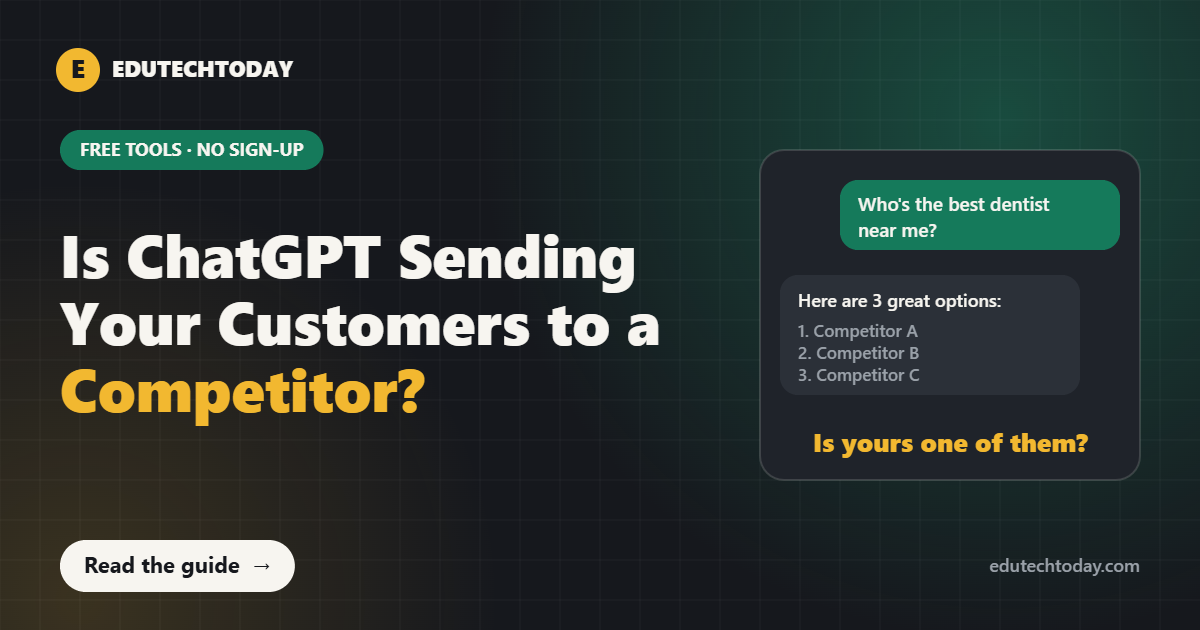
For years, local SEO meant one question: where do you show up on Google Maps? That’s still important. However, a growing share of customers now skip the map entirely. They open ChatGPT and type “who’s the best family dentist near me?” or “good emergency plumber in Austin,” and they call whoever gets named.
The catch, though, is that AI doesn’t show ten options. It names two or three. In SOCi’s 2026 Local Visibility Index, businesses showed up in Google’s local 3-pack about 36% of the time, but ChatGPT recommended only 1.2% of them. In other words, being decent on Google doesn’t automatically carry over.
That’s why I built these free AI SEO tools. Most “AI SEO tools” on the market track brand mentions for software companies at a few hundred dollars a month. But a dental office or a roofing company doesn’t need that. Instead, it needs to know what’s broken and how to fix it.
What should free AI SEO tools check for a local business?
When someone asks an AI assistant for a local recommendation, it leans on whatever it can find and verify about each business. In practice that comes down to four groups of signals:
- Your Google Business Profile. Category, services, hours, photos and posts. ChatGPT’s local answers often show the same ratings and review counts you’d see on Google Maps.
- Your reviews. How many, how recent, and whether they mention the service and the town.
- Your website. A clear page for each service, plain-language answers to common questions, and LocalBusiness schema markup.
- Consistency and access. The same name, address and phone number everywhere, and a robots.txt file that lets AI crawlers in.
So good free AI SEO tools should give you a straight answer on each of these. Here’s how the three EduTechToday tools cover them.
Tool 1: AI Readiness Score (20 questions, about 2 minutes)
The AI Readiness Score asks 20 yes-or-no questions across five areas: Google Business Profile, reviews, your website, listings across the web, and AI access and reputation. You get a score out of 100 and the five fixes that will make the biggest difference for your business.
For example, here are a few questions that trip up most owners:
- Is your main Google category the most specific one that fits? “Pediatric dentist” beats “Dentist.”
- Did you get a new Google review in the last 30 days?
- Do your reviews mention the service you provided and your town?
- Does your website have LocalBusiness schema markup?
If you’re not sure about an answer, pick “Not sure.” The tool treats it as something to check rather than guessing in your favor.
Tool 2: NAP Consistency Checker
NAP stands for name, address and phone number. When these don’t match across Google, Yelp, Apple Maps, Bing and Facebook, AI tools can’t be sure every listing belongs to the same business, so they trust each one a little less.
Usually, the mismatches are tiny. “Suite 300” on Google and “#300” on Yelp. An old phone number still sitting on Facebook. “Smith Dental LLC” in one place and “Smith Family Dentistry” in another. The NAP Consistency Checker lets you paste each listing exactly as it appears, typos and all, and highlights every difference against your Google Business Profile.
Tool 3: AI Crawler Checker
Some websites block AI crawlers without the owner ever knowing, usually because of a security plugin, a hosting setting or an old robots.txt rule. If ChatGPT’s search crawler can’t read your site, it has less to go on when someone asks about businesses like yours.
To use the AI Crawler Checker, open yourwebsite.com/robots.txt, copy everything on that page, paste it into the tool and click Check. It tells you which AI crawlers are allowed and which are blocked.
Also worth knowing: OpenAI runs separate crawlers for different jobs. GPTBot collects data for training models, while OAI-SearchBot is what ChatGPT search uses to find and show websites in answers. Some owners block GPTBot for privacy reasons, which is, in fairness, a reasonable choice. Blocking OAI-SearchBot is usually not what a local business wants.
How to check if ChatGPT recommends your business (free, 10 minutes)
First, the tools tell you what’s broken. Then this manual test tells you where you stand today. Do it once now and again in 30 days.
- Open a logged-out or private browser window. If you’re logged in, ChatGPT may use memory of your past chats, which skews results.
- Write five customer-style prompts. Use the service and the town, not your business name. For example: “Who’s the best pediatric dentist in Plano, TX?” or “Recommend a reliable HVAC company near Tampa.”
- Run the same prompts in ChatGPT, Gemini, Perplexity and Google. Each assistant recommends a different set of businesses.
- Write down who gets named and why. Look at the sources cited. Are competitors showing up because of reviews, a directory or a local news mention?
- Ask about your business directly. “What can you tell me about [your business] in [your town]?” Check whether the details are correct.
Finally, save the answers with the date. AI answers change week to week, so one check is a snapshot. A dated series shows real progress.
Free AI SEO tools vs paid AI visibility platforms
| Free EduTechToday tools | Paid AI visibility platforms | |
|---|---|---|
| Cost | Free, no sign-up | Often $99 to $500+ per month |
| Built for | Single-location local businesses | Brands, SaaS and multi-location chains |
| What it does | Finds the fixable problems | Tracks mentions and share of voice over time |
| Your data | Stays in your browser | Stored in the vendor’s account |
| Best for | Knowing what to fix first | Reporting at scale |
So if you run one or two locations, start with free AI SEO tools. Tracking tools are only worth paying for once the foundations are in place.
What to do after you run the free AI SEO tools
In practice, most businesses find three to eight things to fix. Some take five minutes, like updating holiday hours. Others, however, take longer, like adding schema markup or building a proper page for each service.
- If you want to fix things yourself with step-by-step help, the AI Visibility Toolkit turns your results into a 30-day plan with a schema generator, service page builder, 40+ directory checklist, review request kit and AI crawler file generators. I explain how each piece works in my guide to ChatGPT SEO for local businesses.
- If you’d rather understand the whole method first, read what AI visibility is and how it works, or get the full playbook in the ebook Get Your Business Recommended by ChatGPT.
- If the terms are new, start with SEO vs AEO vs GEO, which explains how the three fit together.
Frequently asked questions
Are there free AI SEO tools for small businesses?
Yes. EduTechToday’s free AI visibility tools include an AI Readiness Score, a NAP Consistency Checker and an AI Crawler Checker. They run in your browser, need no sign-up, and nothing you type is sent anywhere.
How do I check if ChatGPT recommends my business?
Open a private browser window, ask ChatGPT the questions a customer would ask, using your service and town rather than your business name, and note who gets named. Repeat the same prompts in Gemini, Perplexity and Google, and run the test again every month.
Why does ChatGPT recommend my competitor instead of me?
Usually because the competitor’s information is easier to verify: more recent reviews that mention the service and town, consistent listings across directories, a complete Google Business Profile, and a website that answers questions clearly.
Should a local business block AI crawlers?
Most local businesses should allow search crawlers such as OAI-SearchBot and PerplexityBot, because those help AI assistants find and cite you. Blocking training crawlers like GPTBot is a separate choice you can make for privacy reasons.
How long does it take to show up in AI answers?
There is no fixed timeline and nobody can guarantee a recommendation. Fixes to listings and your Google Business Profile can be picked up within weeks, while reviews and third-party mentions build up over a few months.
Sources
- BrightLocal, Local Consumer Review Survey 2026
- SOCi, 2026 Local Visibility Index
- OpenAI, Overview of OpenAI crawlers
- Google, Tips to improve your local ranking
Want a second pair of eyes on your results? Book a free audit and get a written diagnosis of what is keeping AI assistants from recommending you.